Work lists
Organise entries in tables and keep the basis for further analysis clear and traceable.
See the relevant workflow →EU Sheets in everyday work
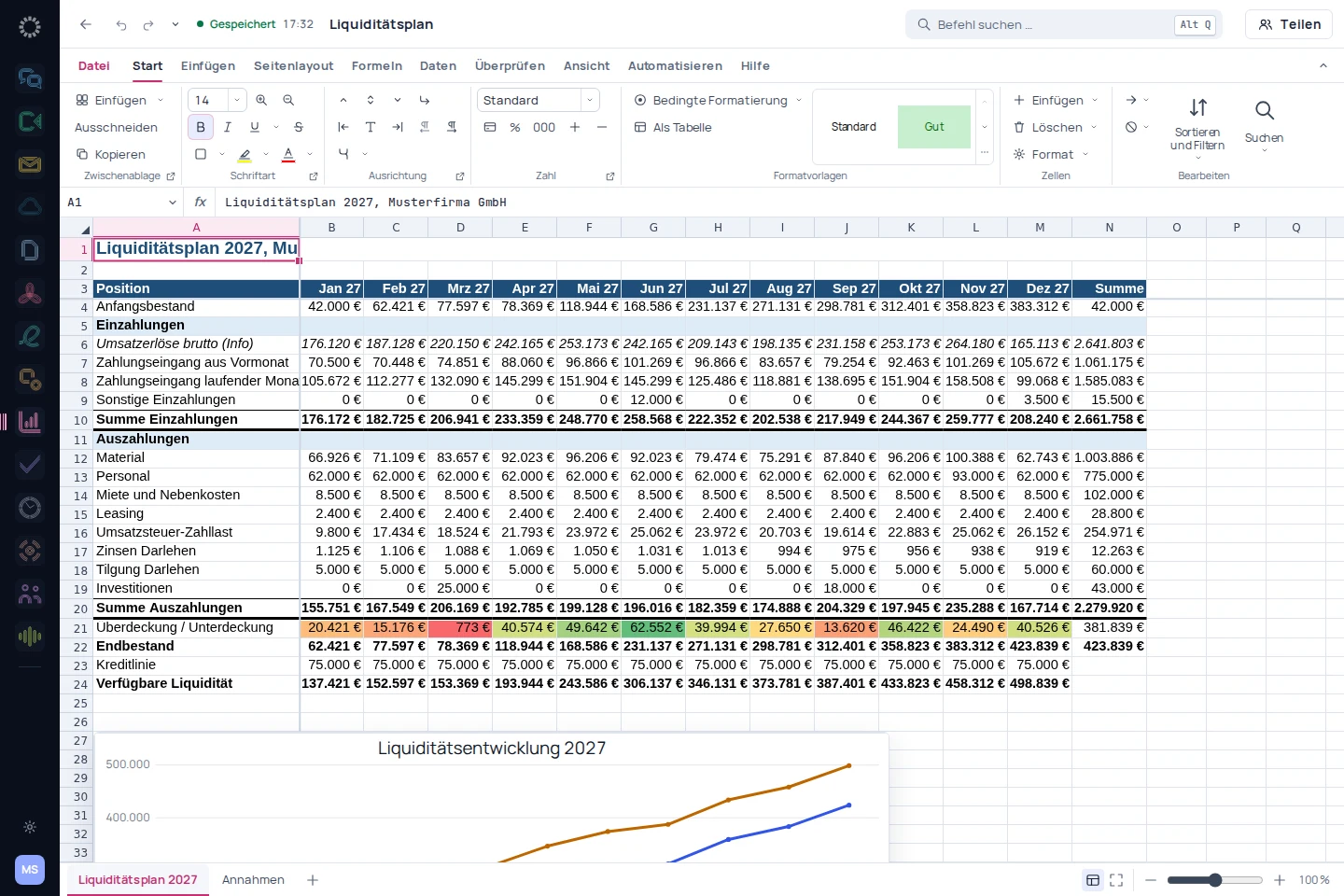
Calculate, check and present results in a traceable way.
Organise entries in tables and keep the basis for further analysis clear and traceable.
See the relevant workflow →Maintain a workbook in a structured way and check figures before sharing them.
See the relevant workflow →Prepare tabular results for a discussion with others.
See the relevant workflow →Step by step
Prepare a workbook and check values and number formats.
Add formulas and compare results with known reference values.
Bring the most important results together in a chart, report or dashboard.
Before getting started
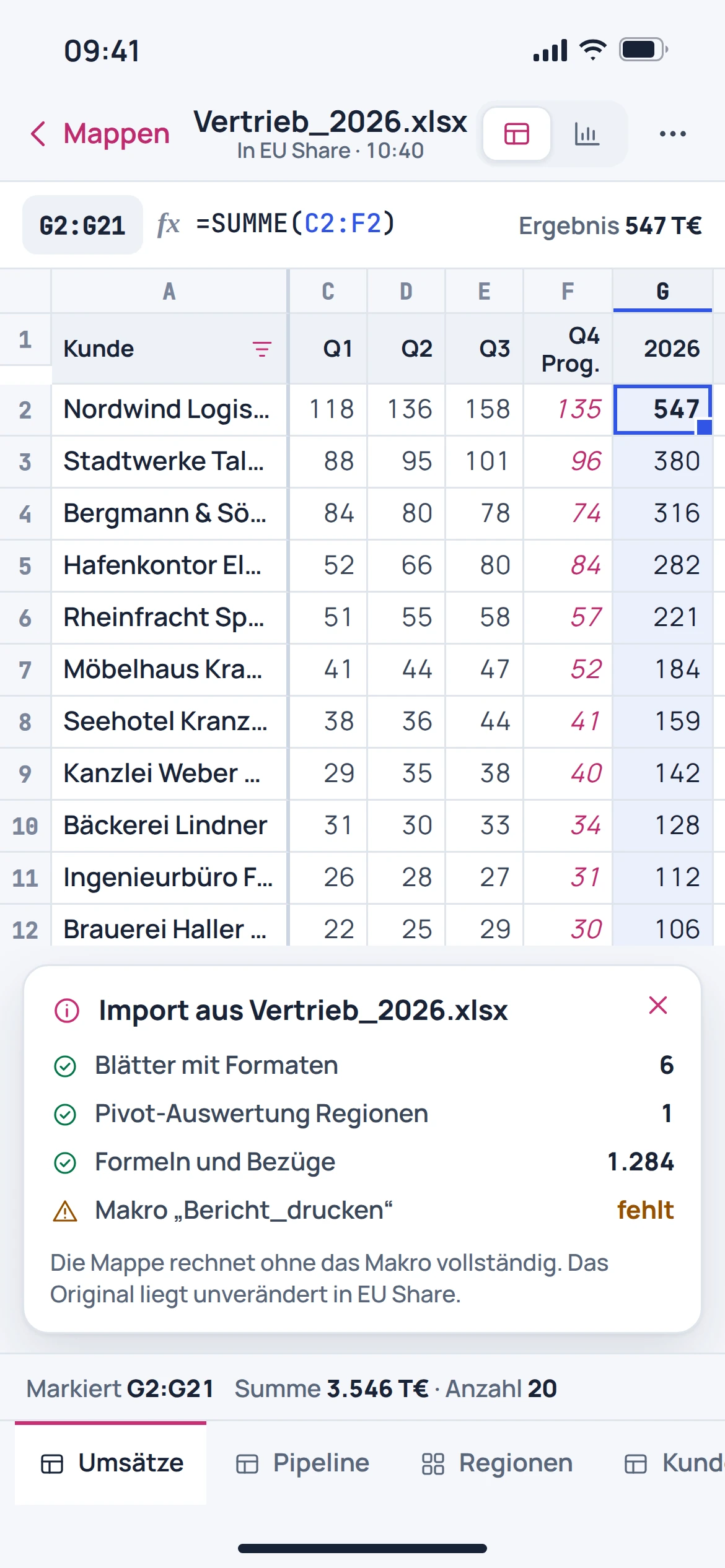
Workbooks are part of the described use. The specific file should be checked for formulas, formats and charts; full compatibility is not guaranteed.
This page does not promise VBA or macro execution. Workbooks with automations require a separate review.
A report explains an analysis in context. A dashboard brings together multiple metrics and views for a quick overview.
An automated provider migration is in preparation. The data sources, relationships and calculations of a BI model are not a simple file transfer.